
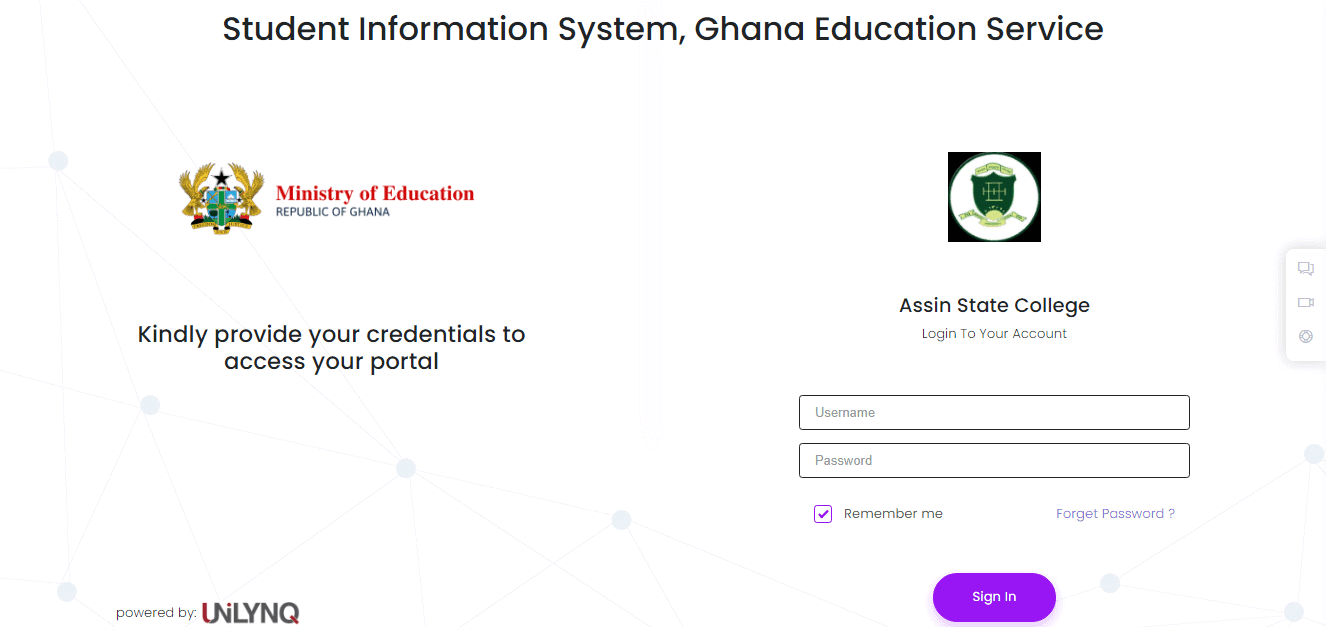

The Ministry of Education, Ghana Education Service, and the Free SHS secretariat, under the auspices of the Government of Ghana, has launched the National Student Portal or Student Information System for Students as well as teachers in all public Senior High Schools.
Students in all Public Senior High Schools in the country can use their JHS Index Number and year of completion to access the Student Information System portal at portal.unilynq.com.
How to access Unilynq student/teacher portal
To login into the National Student Portal or Student Information System portal at portal.unilynq.com/login
- Enter Username: JHS index number and Year of completion
- SHS 1, add 19 e.g. 030016481219
- SHS 2 add 18 e.g. 030016481218
- SHS 3 add 17 e.g. 030016481217
- Enter Password: The Default Password to be used before changing to your own password is Ghanashs123@
Students are to change their password once they log in and complete the required information requested and update the default e-mail with their active email.
After a successful login, the screen will display your surname and your current Senior High School.
After doing all these, the URL of the link https://portal.unilynq.com will change to the URL portal of your school. Example: https://assinstatecollege.unilynq.com/
The dashboard of the system shows students’ bio details like the track type of student, Gold, or Green. The secretariat entreats students to contact their ICT Teachers for support to access the portal.
Teachers have also been advised to provide a valid email to their school’s IT personnel as he/she will work on the system and forward you your credentials.
Published By: Justice Donkoh | GESHub.org


