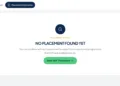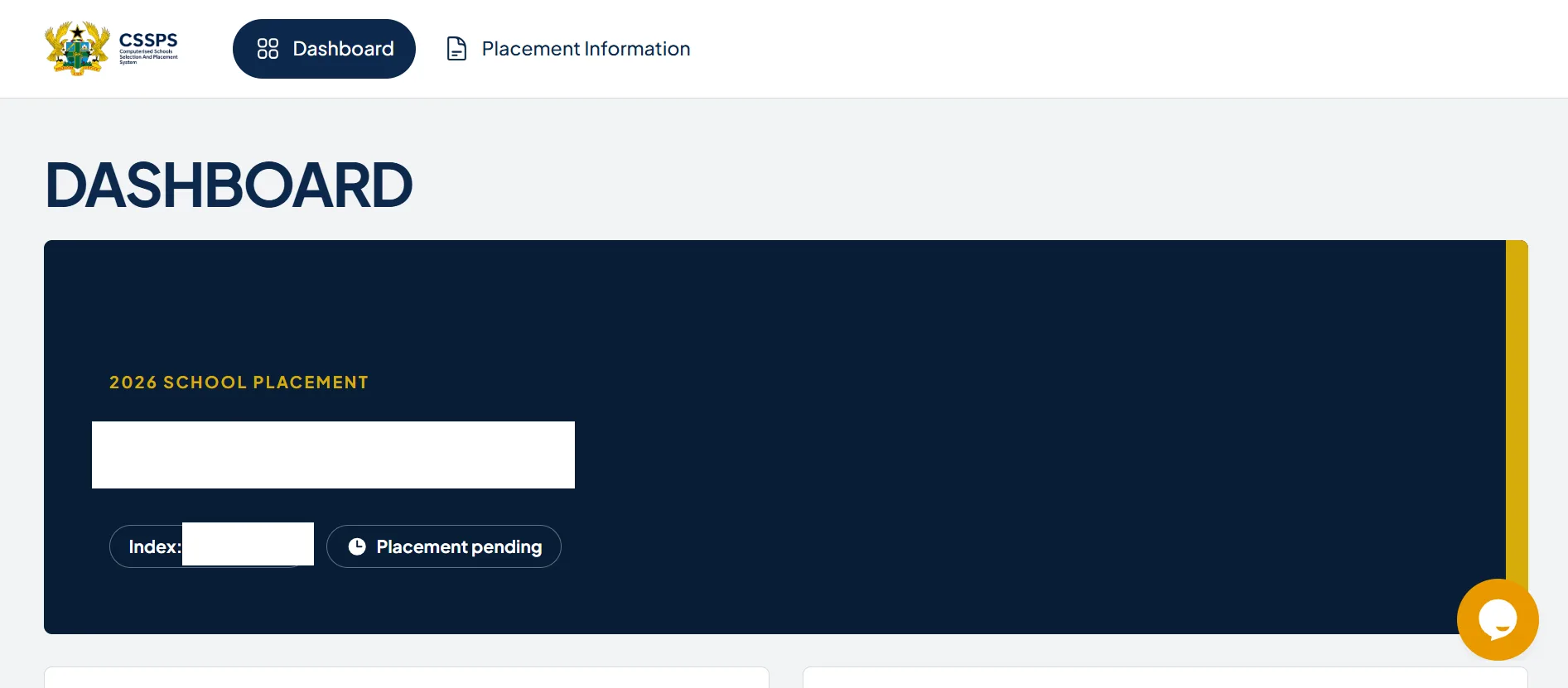

Every year, thousands of Ghanaian students who sat for the Basic Education Certificate Examination (BECE) eagerly await their senior high school placements. It is a time filled with anticipation, but it can also bring confusion. One of the most common issues students and parents encounter when checking the Computerised School Selection and Placement System (CSSPS) portal is seeing the message: “Placement Pending.”
If you just logged into the CSSPS website and saw this status, do not panic. This article explains exactly what “Placement Pending” means, why it happens, how to resolve it, and what to do if you ultimately need to use the CSSPS Self-Placement module.
What Does “Placement Pending” Mean?
Simply put, “Placement Pending” means your school placement results have not been finalized or uploaded yet.
It indicates that your data is currently being processed by the system. The CSSPS algorithm or the database managers are still working on your profile, and your final school assignment is not yet ready to view.
Why Does This Status Happen?
There are several reasons why your portal might display a pending status instead of a specific school name:
- Batch Uploading and System Processing
The Ghana Education Service (GES) and the CSSPS Secretariat process placements for hundreds of thousands of candidates. To avoid crashing the website, results are sometimes uploaded in batches or sequential server iterations. Your data might simply be in the next queue. - System Maintenance and High Traffic
When the placement portal officially opens, millions of hits from anxious students, parents, and internet café operators flood the site simultaneously. This massive traffic causes server congestion, leading to delayed data retrieval or temporary system glitches that display as pending. - Data Verification Audits
Sometimes, specific student choices, raw scores, or vacancy allocations undergo an extra layer of verification. If a school choice requires closer manual or algorithmic evaluation before final assignment, your profile will temporarily show a pending status.
What “Placement Pending” Does NOT Mean
When this message pops up, it is easy to assume the worst. Let’s clear up a few common misconceptions:
- It does not mean you failed your BECE. Your placement status is separate from your raw grades.
- It does not mean you have been denied a school. It simply means the decision or the upload is not complete.
- It does not mean you have to do Self-Placement yet. Do not rush to use the automatic self-placement module until your final automatic placement status is cleared.
Actionable Steps: What Should You Do Next?
If you see this status, keep a calm head and follow these practical steps:
- Be Patient and Check Back Later: Give the portal some time. Avoid refreshing the page continuously every minute, as this adds to the server load. Check back during off-peak hours, such as late at night or early in the morning.
- Monitor Official GES Announcements: Keep an eye on verified press releases from the Ministry of Education (MoE) and the Ghana Education Service. They will always announce when all batches have been successfully uploaded.
- Keep Your Verification Documents Safe: Ensure you have your 10-digit BECE index number, examination year, and your CSSPS placement voucher code safely stored. You will need them to re-verify your status once the database updates.
What If the Status Changes to “Not Placed”? (How to Use Self-Placement)
If the system finishes processing your data and it turns out you were not matched with any of your initial choices, your status will change from “Pending” to “Not Placed.”
If this happens, the GES provides a Self-Placement Module on the same portal. This allows you to manually select an available school with vacant slots that match your aggregate.
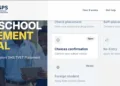
Step-by-Step Guide to CSSPS Self-Placement:
- Log In: Go to the official CSSPS portal at cssps.gov.gh.
- Enter Details: Input your 10-digit BECE index number followed by your year of examination (e.g., 123456789026).
- Access the Module: If you are qualified for self-placement, the portal will automatically redirect you to the Self-Placement link.
- Select Your Criteria: Choose your preferred Region, your desired School Type (Day or Boarding), and your Programme of choice (e.g., General Arts, General Science, Home Economics).
- Choose an Available School: The system will display a list of schools with vacancies matching your aggregate. Select one.
- Confirm and Print: Review your choice, click submit, and print your Placement Form immediately to secure your spot.
Note: You can change your school selection on the self-placement module as many times as you want until you finally print the placement form. Once printed, your choice is locked.
Frequently Asked Questions (FAQs)
Q: How long does the “Placement Pending” status last?
A: It usually updates within 24 to 48 hours once the server completes its data cycle and batch uploads.
Q: Can I change my school choices while my status is pending?
A: No. You cannot change your initial selection while the system is processing your placement. Changes are only possible if you are moved to the Self-Placement module.
Q: Will I buy a new voucher code to check again if it says pending?
A: No. You can use the same placement voucher code multiple times to check your status on the portal. Do not waste money buying another card.
Q: What should I do if the status remains pending for over a week?
A: If the status does not change after several days and the GES has announced that all placements are fully live, visit the nearest regional GES resolution center for assistance.
Final Thoughts
Seeing a “Placement Pending” notice can be stressful, but it is a normal part of the digital placement process. In most cases, it resolves itself within a couple of days as the system clears its backend queues. Keep your voucher details handy, stay positive, and check the official CSSPS website periodically.
Published By: Justice Donkoh | GESHub.org