
As the 2026 Ghana Education Service (GES) recruitment portal opening date approaches, one of the most critical steps for applicants is proper document preparation. Every year, many qualified candidates miss out on recruitment opportunities—not because they lack credentials, but due to errors in documentation.
If you are planning to apply, getting your documents ready early and in the right format can significantly improve your chances of a smooth and successful application.
Why Document Preparation Matters
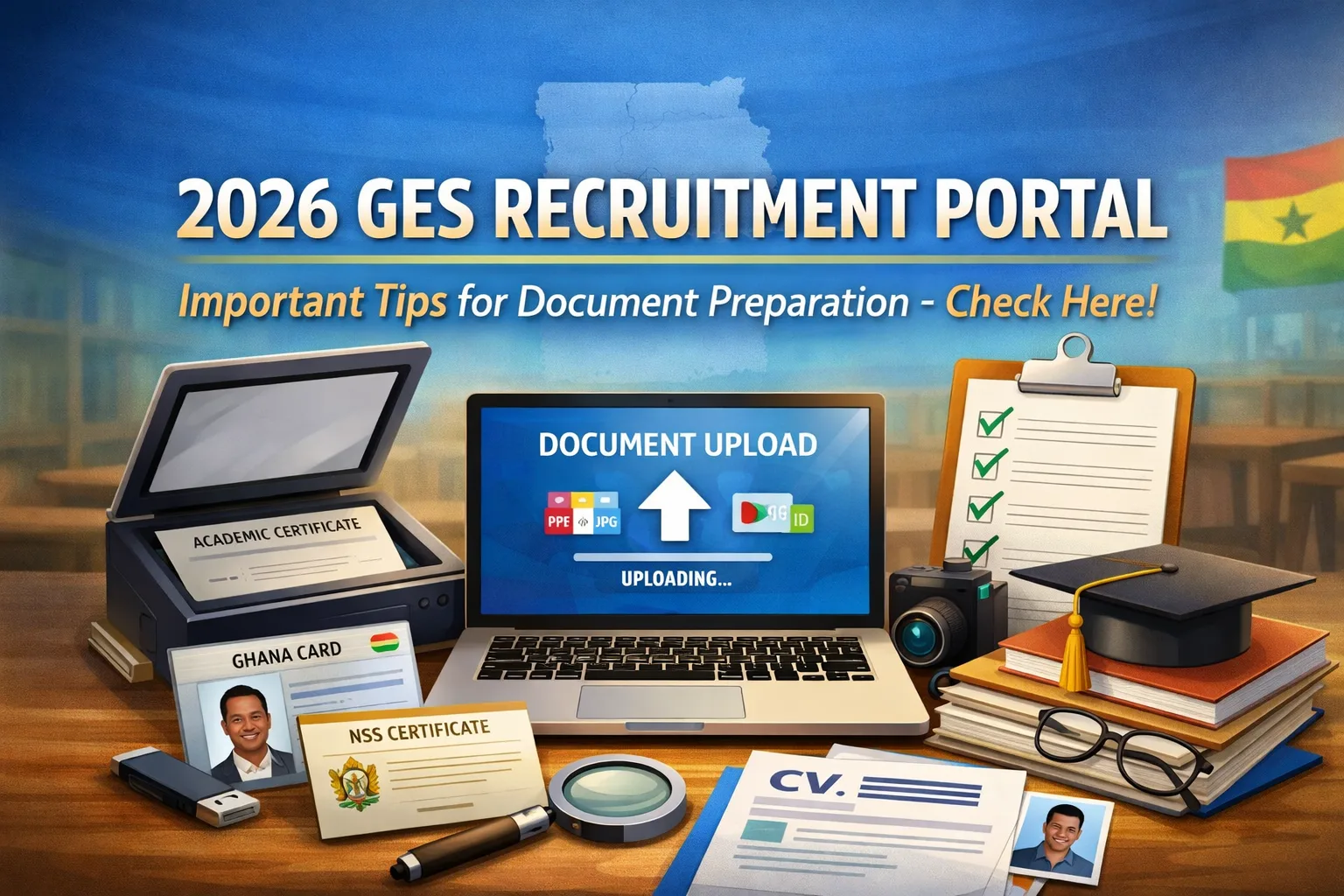
The GES recruitment process is fully digital, meaning all required documents must be scanned and uploaded online. Any mistake—blurred scans, incorrect file formats, or mismatched details—can lead to delays or even disqualification.
Proper preparation ensures:
- Faster application submission
- Reduced chances of rejection
- Smooth verification process
List of Required Documents
Applicants are expected to prepare clear copies of the following:
- Academic Certificates (Degree/Diploma)
- Professional Teaching Certificate (if applicable)
- National Service Certificate
- Ghana Card or valid National ID
- Passport-sized Photograph
Important Tips for Scanning Documents
1. Ensure Clarity and Readability
All scanned documents must be clear and easy to read. Avoid blurry images, shadows, or cut-off edges.
- Use a good scanner or a high-quality mobile scanning app
- Ensure proper lighting when scanning
- Avoid crumpled or damaged documents
2. Use the Correct File Format
Most recruitment portals accept:
- PDF (preferred for certificates and CVs)
- JPEG/PNG (for images like passport photos)
Always check the portal instructions once it opens and follow the exact format required.
3. Keep File Sizes Within Limits
Large files may fail to upload. To avoid this:
- Compress files without reducing quality
- Keep documents within recommended size limits (if specified)
4. Name Your Files Properly
Use simple and professional file names such as:
- Degree_Certificate.pdf
- NSS_Certificate.pdf
- Ghana_Card.jpg
Avoid using unclear names like “doc1” or “scan123”.
5. Ensure Consistency of Information
All documents must have matching personal details, including:
- Full name
- Date of birth
- Identification numbers
Any inconsistency may raise red flags during verification.
Common Mistakes to Avoid
Many applicants make simple but costly errors. Be careful to avoid:
- Uploading blurred or incomplete documents
- Using someone else’s documents
- Submitting expired or invalid IDs
- Mismatched names across documents
- Waiting until the last minute to scan documents
Pro Tips for a Smooth Application
- Scan and save all documents before the portal opens
- Store copies on both your phone and a backup (email or cloud storage)
- Double-check every document before uploading
- Keep original hard copies safe for future verification
Final Thoughts
Your documents are your first impression during the GES recruitment process. No matter how qualified you are, poorly prepared or incorrect documentation can cost you the opportunity.
Start preparing now, stay organized, and ensure everything is accurate and ready before the portal opens. A little attention to detail can make all the difference in securing your placement in the 2026 recruitment exercise.
Published By: Justice Donkoh | GESHub.org