
• Home
  • News
  • Guides
  • GES Files
  • NSMQ
  • About
  • Copyright
  • Contact Us
  • Privacy Policy
  • About Justice Donkoh
No Result
View All Result
  • Home
  • News
  • Guides
  • GES Files
  • NSMQ
  • About
  • Copyright
  • Contact Us
  • Privacy Policy
  • About Justice Donkoh
No Result
View All Result
GESHub.org
No Result
View All Result

Shortcodes to Buy 2026 WASSCE Results Checker in Ghana – Check Here!

Justice Donkoh by Justice Donkoh
in Guides
A A
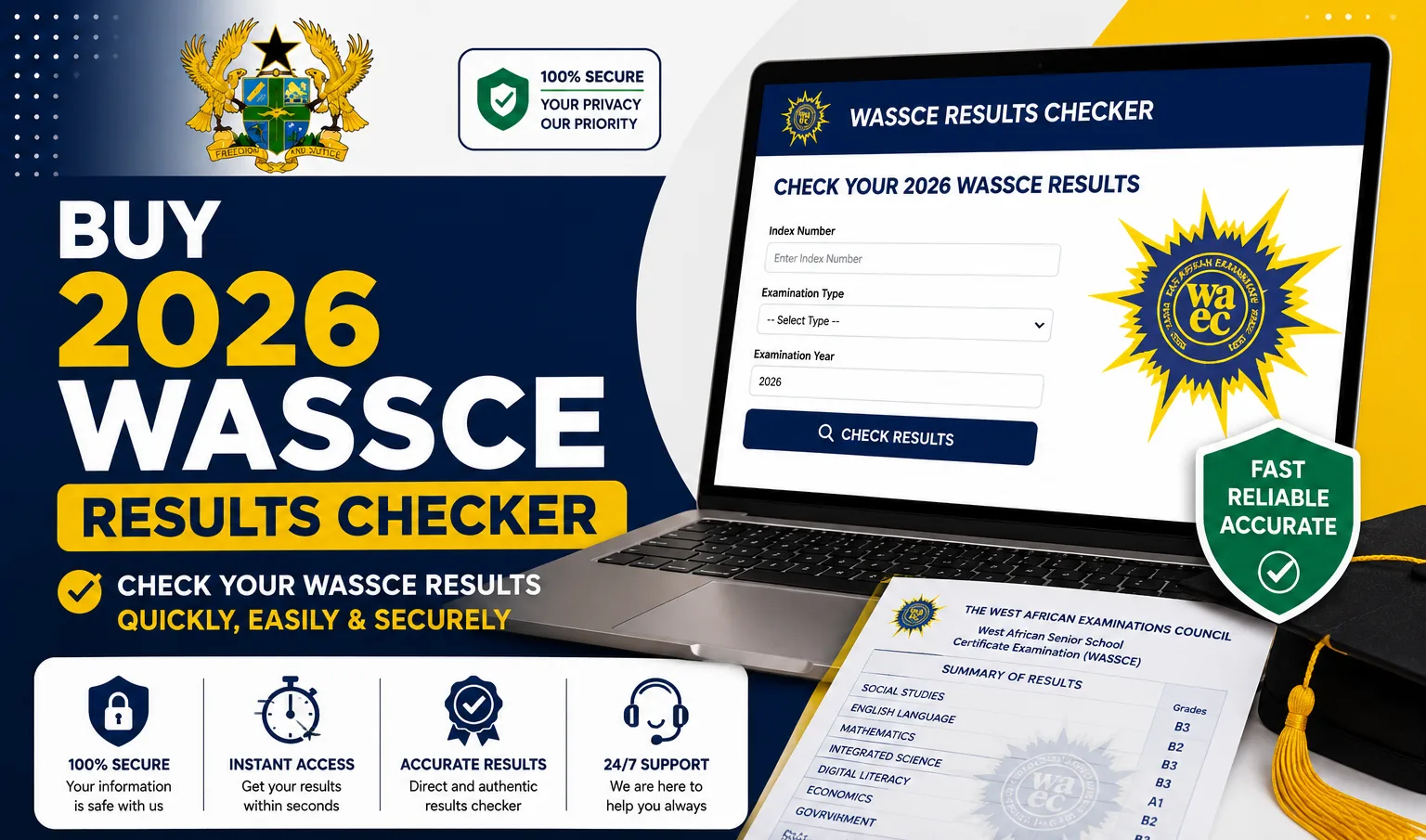
Buy 2026 WASSCE Results Checker

Buy 2026 WASSCE Results Checker

Share on FacebookShare on Twitter
https://iqualify.com.gh/check

When WAEC releases the 2026 WASSCE results, the last thing you want is to be stuck without a results checker. A checker is a small voucher that carries a Serial Number and a PIN, the two details the WAEC portal asks for before it will show your grades. There is no free way to view WASSCE results, so every candidate needs one.

The quickest way to get yours is to dial *899*550# on your phone, or to buy online at resultschecker.com.gh. Here is how both methods work.

Table of Contents

Toggle
  • Shortcode to Buy a WASSCE Results Checker: Dial *899*550#
  • How to Buy a WASSCE Results Checker Online
  • How to Use Your Checker on the WAEC Results Portal
  • Understanding Your WASSCE Grades
  • Frequently Asked Questions
    • What is the code to buy a WASSCE results checker?
    • How many times can I use one checker?
    • Which networks work with the shortcode?

Shortcode to Buy a WASSCE Results Checker: Dial *899*550#

Dial *899*550# on MTN, Telecel, or AT and pay with Mobile Money. Your Serial Number and PIN arrive by SMS within seconds. If the line is busy on results day, you can also use the backup code *714*550#, which works the same way.

READ ALSO  Ghana SHS/TVET School Admission 2026 | Official Post-Placement Portal

Follow these steps:

  1. Dial *899*550# on your phone.
  2. Select WASSCE Results Checker from the menu.
  3. Confirm the year (2026) and the details shown on screen.
  4. Enter your Mobile Money number and approve the prompt with your MoMo PIN.
  5. Receive an SMS with your Serial Number and PIN.
  6. Save that message safely until you have checked your results.

How to Buy a WASSCE Results Checker Online

Prefer to buy on a website, with the option to pay by Mobile Money or card? Visit resultschecker.com.gh and follow these steps:

  1. Open resultschecker.com.gh in your browser.
  2. Select the WASSCE Results Checker product.
  3. Enter the quantity of checkers you need.
  4. Provide your name and phone number.
  5. Choose Mobile Money or Card, then complete payment.
  6. Your Serial Number and PIN appear on screen and are also sent to you by SMS, so you have them saved on your phone.
READ ALSO  Ghana SHS Admission Admin Panel | School Login, Admission Management, Candidate Allocation & Enrolment

How to Use Your Checker on the WAEC Results Portal

Once results are released, go to ghana.waecdirect.org, enter your Examination Number, select WASSCE and the year 2026, then type in your Serial Number and PIN and submit. Your grades load on screen, ready to print or screenshot. One checker lets you view your results a limited number of times, usually up to five, so keep your details safe.

https://iqualify.com.gh/check

Understanding Your WASSCE Grades

WASSCE grades run from A1 to F9. A1 is the highest (Excellent), grades A1 to C6 are credit passes that most tertiary institutions require, D7 and E8 are ordinary passes, and F9 is a fail. This guide is for the WASSCE school candidates sitting.

READ ALSO  CSSPS School Portal for Heads of School | Complete Guide to Vacancy Declaration, Direct Placement, Enrolment & School Records

Frequently Asked Questions

What is the code to buy a WASSCE results checker?

Dial *899*550# on any network and pay with Mobile Money. The backup code is *714*550#, and you can also buy at resultschecker.com.gh.

How many times can I use one checker?

A single checker lets you view your results a limited number of times, usually up to five.

Which networks work with the shortcode?

MTN, Telecel, and AT all support the shortcode, and the website also accepts cards. Ready for results day? Grab your checker early with *899*550# or at resultschecker.com.gh. You can also see our guides on checking your results quickly and on when the 2026 WASSCE results will be released.

Published By: Justice Donkoh | GESHub.org

https://iqualify.com.gh/check
ShareTweetSendShare

Related Posts

Check WASSCE Results on WhatsApp

How to Check WASSCE Results on WhatsApp in Ghana – Check Here!

1 day ago
BECE Results Portal 2026

BECE Results Portal 2026 – Check Here!

1 month ago
2026 BECE Results Released

Just In | WAEC Releases 2026 BECE Results – Check Here!

1 month ago
When Will BECE 2026 Results Be Released

2026 BECE Results Release Date Confirmed by WAEC – Check the Official Date Here!

1 month ago
2026 BECE Results Release Date confirmed by WAEC for July 15, 2026

Code for Checking BECE Results in Ghana

1 month ago
BECE 2026 How to Check Your Results with Mobile Money

BECE 2026: How to Check Your Results with Mobile Money – Check Here!

3 months ago
How to Check Your 2026 BECE Results on Your Phone

How to Check Your 2026 BECE Results on Your Phone – Check Here!

3 months ago
Code to Buy Your 2026 BECE Results Checker on Your Phone

Code to Buy Your 2026 BECE Results Checker on Your Phone – Check Here!

3 months ago
When Will BECE 2026 Results Be Released

When Will BECE 2026 Results Be Released? – Check Here!

3 months ago
Load More
Next Post
Check WASSCE Results on WhatsApp

How to Check WASSCE Results on WhatsApp in Ghana - Check Here!

Ghana SHS/TVET School Admission

Ghana SHS/TVET School Admission 2026 | Official Post-Placement Portal

CSSPS Placement

CSSPS Placement 2026/2027 | How to Check Ghana SHS/TVET School Placement

Leave a Reply Cancel reply

Your email address will not be published. Required fields are marked *

  • Home
  • About
  • Copyright
  • Contact Us
  • Privacy Policy
  • About Justice Donkoh

© 2023 - 2026 GESHub.org. Designed by Justice Donkoh. All Rights Reserved. Thank you for visiting us.

Powered by WordPress

No Result
View All Result
  • Home
  • News
  • Guides
  • GES Files
  • NSMQ
  • About
  • Copyright
  • Contact Us
  • Privacy Policy
  • About Justice Donkoh

© 2023 - 2026 GESHub.org. Designed by Justice Donkoh. All Rights Reserved. Thank you for visiting us.