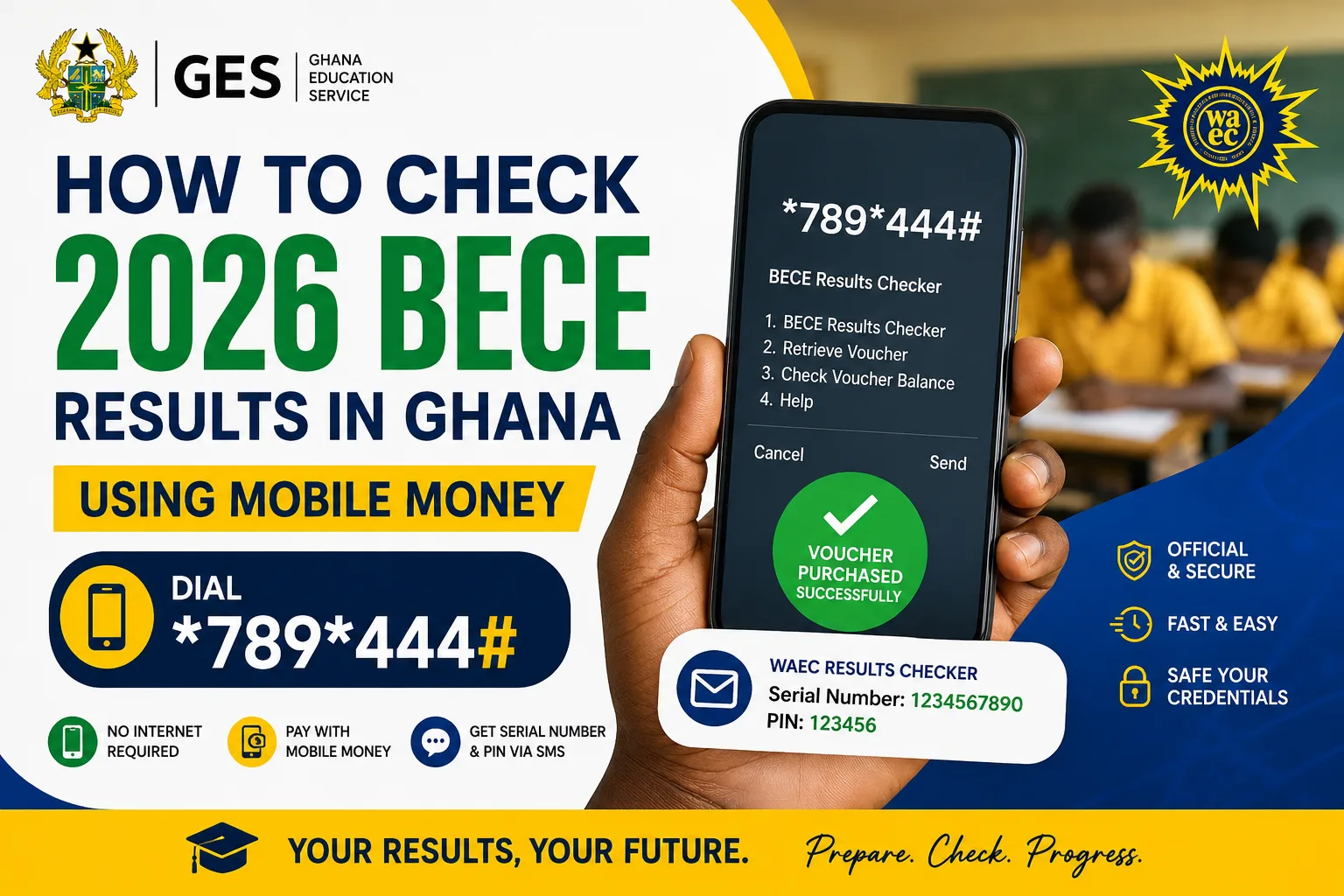

The exams are behind you, the long wait is nearly over, and now there is only one thing standing between you and your grades: a small code you dial on your phone. If you have been asking friends or searching online for the right code to check your 2026 BECE results, this guide clears it up in plain language.
You do not need a computer, a bank, or even a data connection. All you need is a phone with Mobile Money and a few quiet minutes. Let us walk through it together.
Code to Check BECE Results in Ghana: Dial *789*444#
Dial *789*444# on your phone, choose the BECE option, and pay with Mobile Money. Your Serial Number and PIN land in an SMS within seconds. Keep that message safe: it is what you will use to open your results on the WAEC portal.
That single code, *789*444#, works on MTN, Telecel, and AirtelTigo. When you pay, you are not paying to see the results directly. You are buying a checker voucher, a digital ticket with two secret numbers on it: a Serial Number and a PIN. Those are what the WAEC website asks for before it shows your grades. There is no free way around this step, and one voucher lets you view the same results up to three times.
How to Buy a BECE Results Checker with Mobile Money
Here is exactly what happens once you dial the code:
- Open your phone dialler and enter *789*444#.
- A menu appears. Choose the BECE Results Checker option.
- Confirm the year (2026) and the price shown on the screen.
- Approve the payment with your Mobile Money PIN.
- Wait a few seconds. An SMS arrives with your Serial Number and PIN.
- Do not delete that SMS. Screenshot it or write the numbers somewhere safe.
The whole thing takes under a minute. Results day can get busy, so if *789*444# is slow to respond, give it a moment and try again, or switch to one of these backup codes:
- *899*550#
- *790*024#
- *714*715#
A single checker generally goes for around GHS 15 to 20, and buying several at once sometimes attracts a small discount. The exact amount always shows on your screen before you approve, so read it, then confirm. Stick to trusted codes and vendors so you never end up with a voucher that will not work.
How to Check BECE Results Online on the WAEC Portal
Once results are live and your voucher is ready, here is how to see your grades:
- Visit eresults.waecgh.org in any browser.
- Type in your Index Number (enter it twice if asked).
- Pick the exam type: BECE (School) or BECE (Private), whichever applies to you.
- Select the year, 2026.
- Enter the Serial Number and PIN from your SMS.
- Tick the “I am not a robot” box and hit Submit.
- Your grades load on screen. Print or screenshot them for keeps.
Little tip: the portal is calmest late at night, so if it feels slow during the day, try again between 11 p.m. and 3 a.m. BECE grades run from 1 to 9, where Grade 1 is excellent and Grade 9 is the lowest. There is no single pass mark. Senior High School placement is worked out through the Computerised School Selection and Placement System (CSSPS), which looks at your aggregate across core and elective subjects, so lower aggregates usually open doors to more competitive schools.
BECE Results Checker Tips and Frequently Asked Questions
- Buy early. Do not wait for the crowd on results day.
- Guard your numbers. Your Serial Number and PIN are private, so do not share them.
- Skip the middlemen. Avoid strangers selling vouchers on social media.
- Double-check your entries. A wrong index number or PIN can lock you out.
Which code do I dial to check my BECE results?
Dial *789*444# on any network, then follow the menu. If it is busy, try *899*550#, *790*024#, or *714*715#.
Can I check my BECE results for free?
No. WAEC does not offer free checking. You need a valid voucher with a Serial Number and PIN.
How many times can one voucher check my results?
Up to three times for the same set of results.
I lost my PIN. What now?
Dial the shortcode and choose retrieve. Get your code ready before the big day, dial *789*444#, grab your Serial Number and PIN, and you will be set to log in the moment WAEC opens the portal. Wishing every 2026 BECE candidate the results they worked so hard for.
Published By: Justice Donkoh | GESHub.org