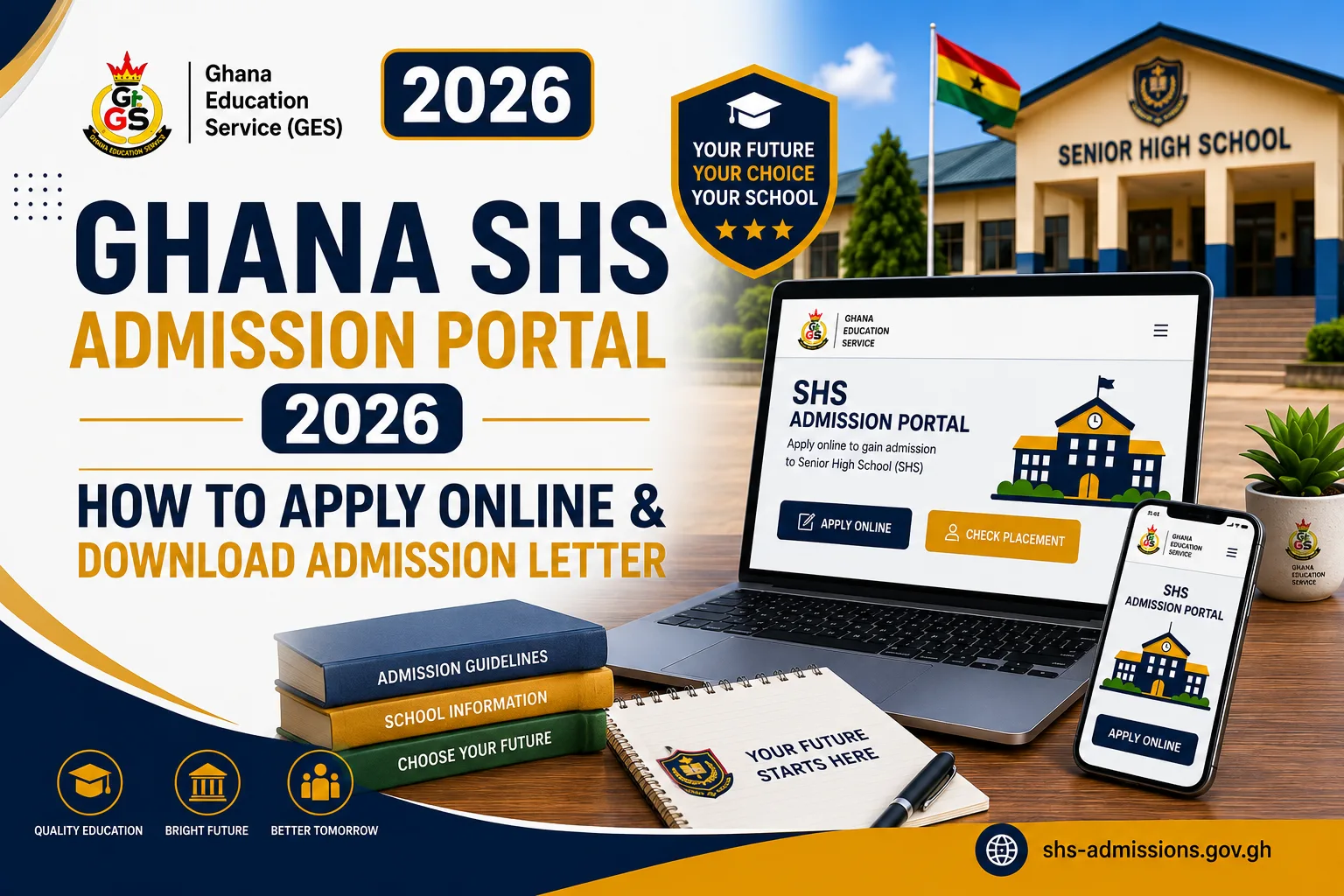

The Ghana SHS Admission Portal 2026 provides BECE candidates with an online process for completing their Senior High School admission after confirming their placement and redeeming the required admission voucher.
Through the student portal, a candidate can complete the admission form, provide the required personal and contact information, submit the application and, after the relevant processing stage, download the admission letter as a PDF document.
The documented student journey is structured around the following stages:
Placement Lookup → Voucher Redemption → Admission Form → Prospectus → Application Submission → Admission Letter Download.
This guide explains how the online SHS admission application works and how candidates can download the admission letter.
What Is the Ghana SHS Admission Portal?
The Ghana SHS Admission Portal is a digital platform designed to facilitate the Senior High School admission process.
For candidates, the Student Portal provides access to key admission activities, including placement lookup, admission-voucher redemption, online form completion and admission-letter download.
The online application stage begins after the candidate has confirmed the assigned school and programme and successfully redeemed the admission voucher.
What Is Needed to Apply Online for SHS Admission?
Before beginning the online admission application, a candidate should have the information required to access and complete the process.
The documented student journey requires the candidate to have:
- BECE index number
- Examination year
- Admission voucher
- Student information
- Contact information
- Parent or guardian information
The index number and examination year are used for candidate identification, while the voucher serves as the access key for the admission form.
How to Apply Online for SHS Admission in 2026
The online application process follows several stages.
Step 1: Check the SHS Placement
Before completing the admission form, the candidate first checks the placement using the BECE index number and examination year.
The placement lookup displays the Senior High School and programme assigned to the candidate.
This allows the candidate to confirm the school to which the online admission application will be directed.
Step 2: Redeem the Admission Voucher
After confirming the placement, the candidate proceeds to redeem the admission voucher.
The platform describes the voucher as a one-time-use access key associated with the candidate’s index number and coupon code.
Successful voucher redemption creates an admission record and unlocks the admission form.
Step 3: Open the Online Admission Form
Once the voucher has been successfully redeemed, the candidate can proceed to the online admission form.
The form is divided into three main sections:
- Student Details
- Contact Information
- Parent/Guardian Information
The candidate is expected to provide the required information in each section.
Step 4: Complete the Student Details Section
The first part of the admission form is the Student Details section.
The candidate enters the required personal information into the fields provided by the portal.
Candidates should ensure that the information supplied is accurate before proceeding to the next section.
Step 5: Complete the Contact Information Section
The next section is Contact Information.
The candidate provides the required contact details through the fields provided on the admission form.
This information forms part of the candidate’s admission record and allows the school to have the relevant contact information associated with the application.
Step 6: Provide Parent or Guardian Information
The third major section is Parent/Guardian Information.
The candidate provides the required information relating to the parent or guardian.
The portal documentation states that all three sections must be completed before the candidate can submit the application.
Step 7: Review the Completed Admission Form
After entering the required information, the candidate should review the details provided in the three sections.
The review is important because the information submitted becomes part of the candidate’s admission record.
The candidate should confirm that:
- Student details are correct
- Contact information is accurate
- Parent or guardian information is complete
- All required sections have been completed
Step 8: Download the School Prospectus
The documented student journey includes a prospectus download as part of the admission process.
The prospectus is available to the candidate before the application is submitted.
The school prospectus can provide candidates with relevant information about the school and its admission arrangements.
Step 9: Submit the Online SHS Admission Application
After completing the required sections, the candidate submits the admission application.
The system’s documented admission workflow includes a Forms Completed stage followed by Under Review and, where approved, Approved.
The application therefore moves beyond the candidate’s form-completion stage into the school’s admission-review process.
What Happens After an Online SHS Application Is Submitted?
Once submitted, the application enters the school’s admission workflow.
The documented admission statuses include:
Pending → Forms in Progress → Forms Completed → Under Review → Approved → Enrolled
A Rejected status is also available where an application is not approved. When an application is rejected, a reason is required.
The school administrator can review submitted applications and either approve or reject them.
Candidates should therefore understand that completing the online form does not necessarily mean that the admission process has immediately reached the enrolled stage.
How to Download the Ghana SHS Admission Letter
The admission letter is the final document produced through the documented student admission journey.
Once the relevant admission process has been completed, the candidate can download the admission letter.
The platform generates the admission letter as a PDF document containing a QR code.
The basic process is:
Complete Application → Submit Application → Admission Processing → Admission Letter Generated → Download PDF Admission Letter
What Is on the SHS Admission Letter?
The platform documentation states that the admission letter is generated as a PDF and includes a QR code.
The QR code provides a means of verifying the authenticity of the admission document through a public verification page.
The admission-letter generation system can also incorporate school-specific information, including school branding, contact information and admission instructions.
How to Verify the SHS Admission Letter
The Ghana SHS Admission Portal includes a QR-code verification mechanism for generated admission letters.
The QR code on the admission letter links to a public verification page.
The verification process does not require an account or login. A person can scan the QR code to check whether the admission document is genuine.
This feature is intended to help distinguish genuine admission letters generated through the platform from forged documents.
What If the Admission Letter Is Not Available?
The supplied documentation does not provide a specific troubleshooting procedure for every situation in which an admission letter is unavailable for download.
A candidate should first confirm that the application has reached the appropriate stage and that the school has processed the admission.
The documented workflow shows that an application progresses from Under Review to Approved, and subsequently to Enrolled after registration is confirmed.
If an expected admission letter is not available, the candidate should use the appropriate school or official support channel for assistance.
Important Things to Know Before Applying Online
Candidates should take note of the following points when completing their online SHS admission application.
The Placement Should Be Confirmed First
The student journey begins with placement lookup before voucher redemption and admission-form completion.
The Voucher Is Required for the Admission Form
The voucher acts as the access key that unlocks the admission form.
All Three Form Sections Must Be Completed
Student Details, Contact Information and Parent/Guardian Information must all be completed before submission.
The Application Is Reviewed by the School
After submission, the application can enter the Under Review stage before approval.
The Admission Letter Is a PDF
The platform generates the admission letter in PDF format.
The Admission Letter Contains a QR Code
The QR code can be scanned to access the public verification page.
Ghana SHS Online Admission Process at a Glance
| Stage | Candidate’s Action |
|---|---|
| 1 | Check SHS placement |
| 2 | Confirm assigned school and programme |
| 3 | Redeem admission voucher |
| 4 | Open online admission form |
| 5 | Complete Student Details |
| 6 | Complete Contact Information |
| 7 | Complete Parent/Guardian Information |
| 8 | Download school prospectus |
| 9 | Submit admission application |
| 10 | Wait for school review |
| 11 | Download admission letter when available |
| 12 | Verify the admission letter using its QR code |
The sequence reflects the documented student admission journey and admission-status workflow.
Frequently Asked Questions
How can a candidate apply for SHS admission online in 2026?
A candidate first checks the placement, redeems the admission voucher and then completes the online admission form containing Student Details, Contact Information and Parent/Guardian Information before submitting the application.
What information is required on the online SHS admission form?
The documented form is divided into Student Details, Contact Information and Parent/Guardian Information. All three sections must be completed before submission.
Can a candidate download the school prospectus online?
Yes. The documented student journey includes a prospectus download before application submission.
How can the SHS admission letter be downloaded?
After the relevant admission processing stage, the platform generates the admission letter as a PDF document that can be downloaded by the candidate.
Does the SHS admission letter have a QR code?
Yes. The documented admission letter contains a QR code that links to a public verification page.
Can the admission letter be verified online?
Yes. The QR code can be scanned to access a public verification page, and the verification page does not require an account or login.
Does completing the online form mean the student is enrolled?
Not necessarily. The documented workflow distinguishes between Forms Completed, Under Review, Approved and Enrolled. A candidate reaches the enrolled stage after registration has been confirmed.
Conclusion
The Ghana SHS Admission Portal 2026 provides BECE candidates with a structured online process for completing their Senior High School admission.
The process begins with checking the candidate’s placement and confirming the assigned school and programme. The candidate then redeems the admission voucher, completes the three sections of the online admission form, downloads the school prospectus and submits the application.
After the school processes the application, an admission letter can be generated and downloaded as a PDF. The letter contains a QR code that allows its authenticity to be checked through a public verification page.
In simple terms, the online admission process is:
Check Placement → Redeem Voucher → Complete Admission Form → Download Prospectus → Submit Application → Wait for Approval → Download Admission Letter → Verify QR Code.
Published By: Justice Donkoh | GESHub.org