
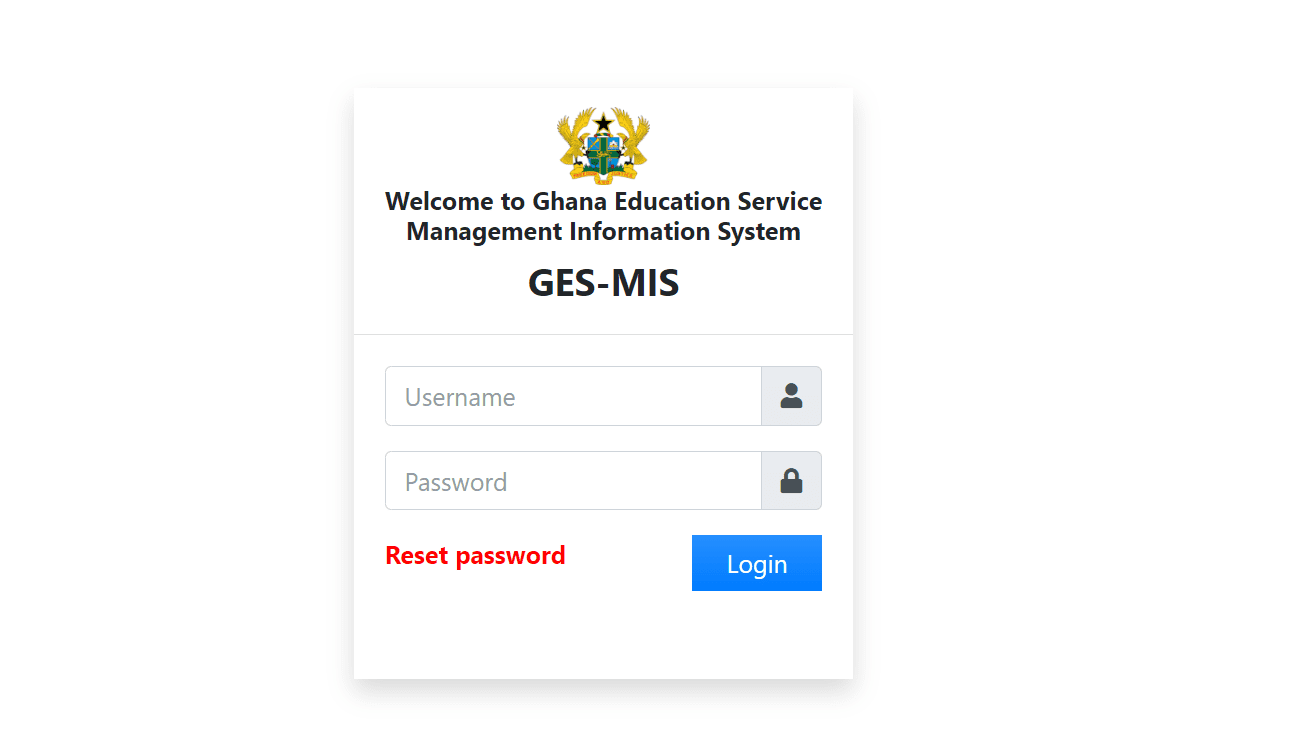

The Ghana Education Service (GES) has introduced a much-anticipated ‘Password Reset’ feature on its Ghana Education Service Management Information System (GESMIS) portal. This new addition aims to provide teachers with a seamless way to recover their login credentials, enhancing accessibility and user convenience for the platform.
Previously, the GESMIS portal lacked a password recovery option, requiring teaching staff to safeguard their login details meticulously. If credentials were forgotten, users had no means of resetting their passwords, often leading to prolonged inaccessibility to the platform. Recognizing the challenges this posed, the GES has now enabled the feature to ensure that no teacher is locked out of their account due to forgotten credentials.
How the Password Reset Feature Works
Teachers who have forgotten their passwords can now reset them by following these steps:
- Visit the GESMIS Portal: Go to the official website at ges-mis.org.
- Click on “Reset Password”: On the login page, locate and click the “Reset Password” option. This will guide you through the recovery process.
- Enter Your Details: Provide the necessary information, such as your username or email address, to verify your identity.
- Receive Temporary Credentials: Once verified, you will receive temporary login credentials, which can be used to access the portal.
- Set a New Password: After logging in with the temporary credentials, navigate to the settings and create a new, secure password.
Benefits of the New Feature
The addition of the password reset functionality is a significant step forward in improving the user experience on the GESMIS portal. Teachers can now:
- Quickly regain access to their accounts without requiring external assistance.
- Ensure continuity in accessing critical services, such as checking promotion results and updating profiles.
- Save time and effort in recovering lost credentials.
Announcement from GES Management
As part of the announcement, the GES emphasized the importance of this feature in facilitating smooth interactions with the portal. Management stated: “Candidates who have not yet been onboarded may click ‘Reset Password’ to obtain a temporary login credential to check their results.”
Published By: Justice Donkoh | GESHub.org









Checking for my promotion exams results