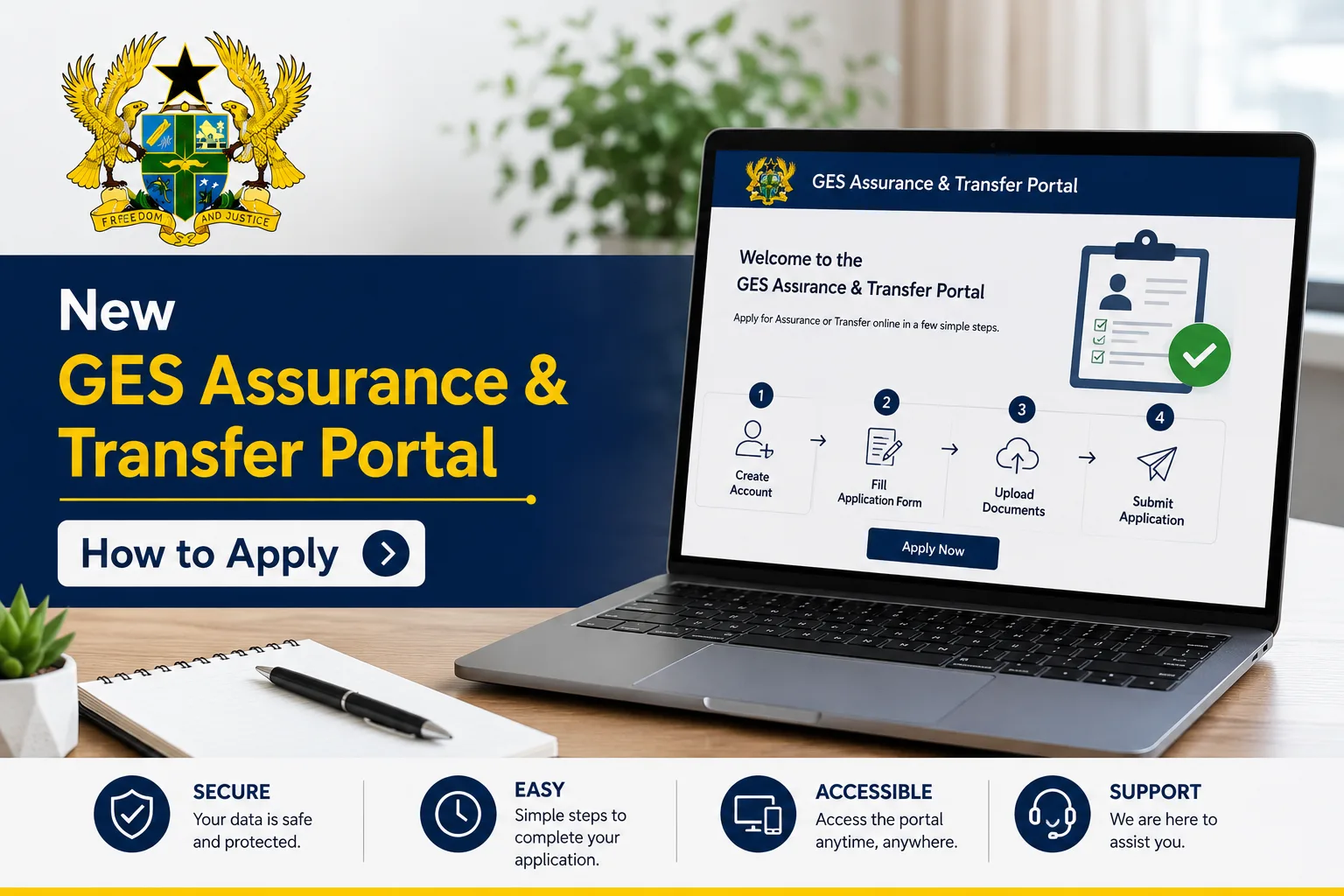

The Ghana Education Service (GES) Assurance & Transfer Application Portal is a new digital system designed to streamline how teachers and staff submit applications for district, regional, and inter-regional transfers. Although the portal is still under preparation, applicants are expected to understand the full process and prepare all required documents in advance to ensure a smooth application experience once it becomes active.
This guide focuses strictly on the application process and required documents for the GES Assurance & Transfer Portal.
Application Process for the GES Assurance & Transfer Portal
Applicants will go through a structured online process once the portal is officially launched. The steps below outline how applications will be completed:
Step 1: Prepare All Required Documents
Before accessing the portal, applicants must gather all necessary documents. This is an essential step because incomplete documentation may lead to delays or rejection.
Applicants should ensure they have all relevant letters, forms, certificates, and supporting records ready before starting the application.
Step 2: Access the Online Application Form
Once the portal opens, applicants will be required to:
- Log into the official GES Assurance & Transfer Portal
- Select the appropriate application type (district, regional, or inter-regional transfer)
- Begin filling out the online application form
All personal and professional details must be entered accurately and must match official records.
Step 3: Complete the Application Form
Applicants will be required to provide:
- Personal details
- Employment information
- Transfer or assurance request details
Accuracy is very important, as errors may affect verification and approval.
Step 4: Upload Supporting Documents
After completing the form, applicants must upload all required supporting documents in the appropriate sections of the portal.
Each document must be clear, valid, and properly labeled where necessary.
Step 5: Submit the Application
Once all information and documents have been uploaded:
- Review all entries carefully
- Confirm that all documents are attached
- Submit the application electronically
After submission, a reference number will be generated for tracking purposes.
Step 6: Verification and Review
Submitted applications will be reviewed by relevant GES authorities at the:
- District level
- Regional level
Additional information or clarification may be requested during this stage if necessary.
Step 7: Application Decision
After the verification process is completed, applicants will receive a final decision through the portal.
This will indicate whether the application has been:
- Approved
- Referred for further action
- Or requires additional documentation
Documents Required for Application
Applicants must prepare and upload the following documents during the application process:
- Personal Letter (stating reason for transfer or assurance request)
- Assurance Letter
- District or Regional Covering Letter
- Completed Personal Record Form
- Certification Documents (academic and professional certificates)
- Inter-Regional Transfer Form (for inter-regional applications)
- Bank Clearance Form
- Promotion Letters (if applicable)
Additional supporting documents may include:
- Staff ID card
- Payslip
- Any other official employment records required for verification
Summary
The GES Assurance & Transfer Portal application process is structured to ensure accuracy, transparency, and efficiency in handling transfer requests. Applicants are expected to complete the online form carefully and submit all required documents correctly to avoid delays during verification.
Proper preparation of documents and understanding of the step-by-step application process will be key to a successful application once the portal becomes operational.
Published By: Justice Donkoh | GESHub.org