
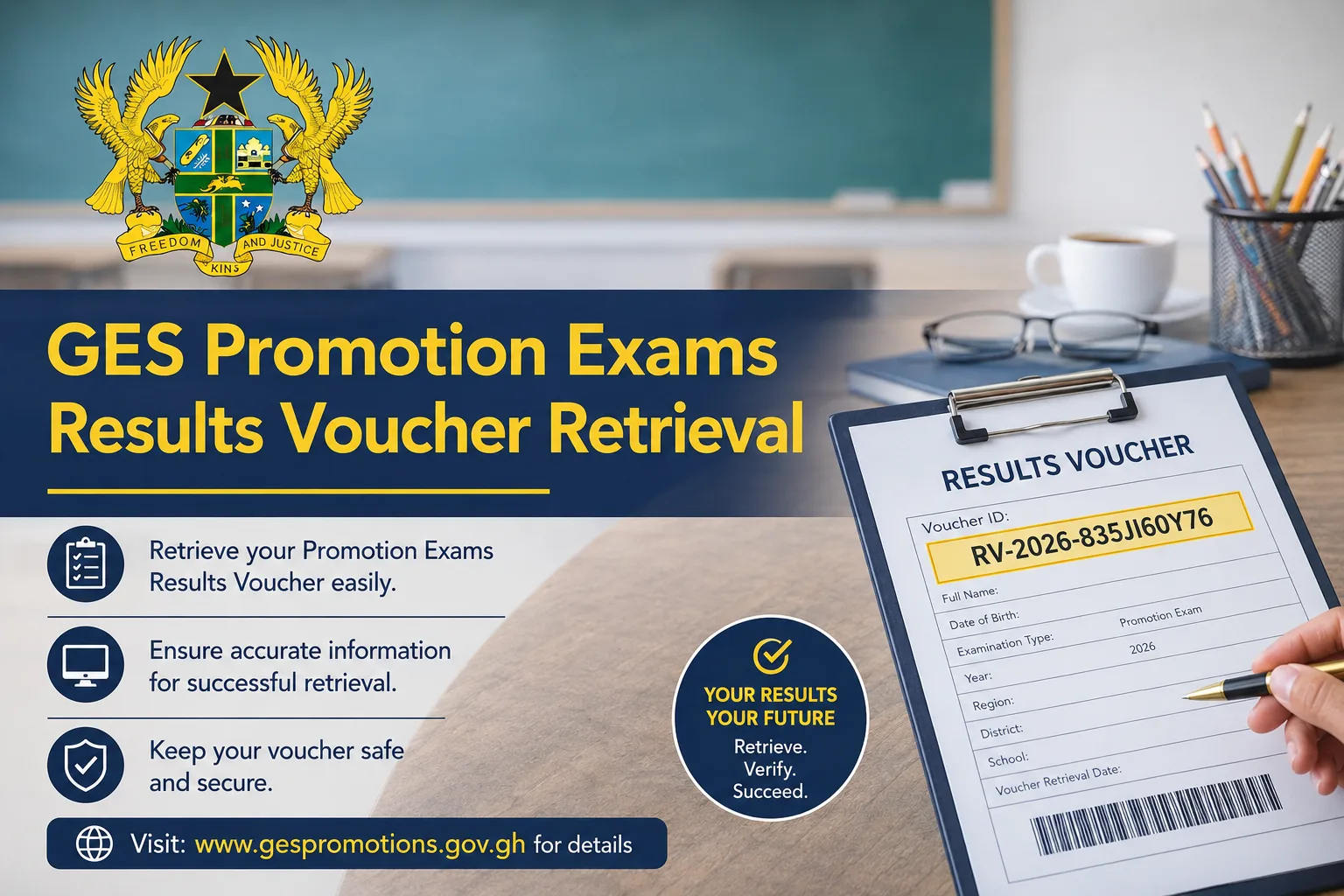

The Ghana Education Service has officially released the 2025 Teacher Promotion Examination Results for candidates who participated in the nationwide promotion exercise.
To simplify the process, GES introduced a new online results portal that allows teachers to purchase result vouchers, check promotion results, and retrieve voucher details if they were not received after payment.
Teachers across Ghana can now access their results online through the approved portal: GESPROMOTIONSRESULT2025. Candidates are strongly advised to avoid fake websites and unofficial links circulating on social media.
What the GES Promotion Results Portal Does
The new portal was introduced as part of GES’ digital transformation initiative to improve access to examination services for teachers nationwide.
The platform allows candidates to:
- Purchase promotion examination result vouchers online
- Check promotion examination results securely
- Verify promotion status using Staff ID and voucher credentials
- Retrieve lost voucher details if SMS delivery fails
How to Buy the GES Promotion Results Voucher
Before checking the results, candidates must first purchase a voucher through the official portal.
Step 1: Visit the Official Portal
Open the official results website: GES Promotion Results Portal
Ensure there is a stable internet connection before proceeding.
Step 2: Click on “Buy Voucher”
On the homepage:
- Select the “Buy Voucher” option
- Wait for the payment form to load
Step 3: Fill in the Required Details
Candidates must provide the necessary information requested on the platform.
Applicants are advised to enter all details carefully to avoid errors during payment or result checking.
Step 4: Click on “Buy Now”
After completing the form:
- Click on the “Buy Now” button
- Follow the payment instructions displayed on the portal
Once payment is successful, the system will generate:
- A PIN Code
- A Serial Code
These details are required to access the promotion examination results.
How to Check the 2025 GES Promotion Examination Results
After purchasing the voucher, candidates can proceed to check their results online.
Step 1: Access the Results Portal
Visit the official portal: GES Promotion Results Checker
Step 2: Enter Voucher Details
Candidates will be required to enter:
- PIN Code
- Serial Code
- Staff ID
Step 3: Click on “Login”
After entering the required information:
- Click on the “Login” button
- The system will display the candidate’s promotion examination results
Candidates are encouraged to print or save a screenshot of the results for future reference.
How to Retrieve GES Voucher to Check Promotion Exams Results
Some candidates may complete payment successfully but fail to receive their voucher details through SMS. In such cases, GES has provided a voucher retrieval option on the portal.
Below are the steps to retrieve the voucher details.
Step 1: Visit the Official GES Promotion Portal
Open the official website: GES Voucher Retrieval Portal
Step 2: Locate the “Retrieve” Option
On the top-right corner of the homepage:
- Locate the “Retrieve” button
- Click on it to open the voucher retrieval page
Step 3: Enter the Required Information
Candidates will be required to provide the following details:
- Reference Code
- Staff ID
- Phone number used during payment
- Email address entered during payment
All information must match the original payment details.
Step 4: Click on “Verify Transaction”
After entering the required details:
- Click on the “Verify Transaction” button
If the transaction is verified successfully, the system will display:
- PIN Code
- Serial Number
Candidates can then use the retrieved voucher details to log into the results portal and check their promotion examination results.
Important Tips for Candidates
Teachers checking their promotion results are advised to:
- Use only the official GES portal
- Keep voucher details confidential
- Ensure Staff IDs are entered correctly
- Use a secure internet connection
- Save or print results after checking
Final Note
The new online system introduced by the Ghana Education Service is expected to make the process of buying vouchers, checking results, and retrieving missing voucher details faster and more convenient for teachers nationwide.
Candidates are encouraged to carefully follow all official procedures while accessing the portal. Congratulations to all successful candidates.
Published By: Justice Donkoh | GESHub.org









How do I get back to the portal when I was not able to screen shot my, result.