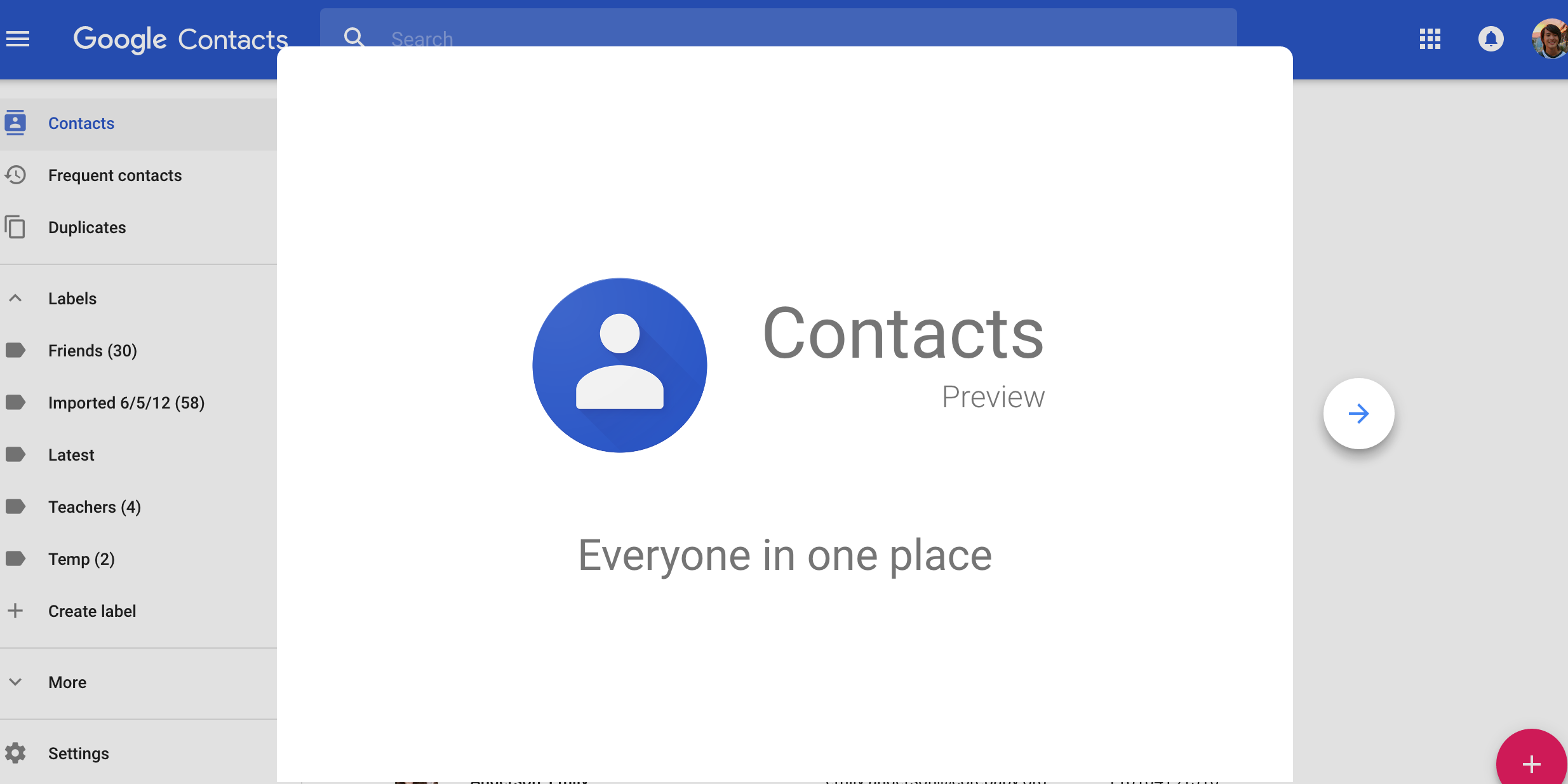

Are you tired of losing your contacts every time you change your phone or lose your SIM card? Thanks to Google Contacts, you can now seamlessly transfer or import your SIM contacts to your Google account, ensuring that your valuable phone numbers and contact information are always safe and readily accessible.
Whether you are using an Android or iOS device, this hassle-free procedure works like a charm.
Why choose Google Contacts?
Google Contacts offers a secure and reliable solution to save and manage your contact information. By storing names, email addresses, phone numbers, and more, you can rest assured that your contacts are not only preserved but also synchronized with your Google account.
This means you can access your contacts from any device with an internet connection, ensuring you never lose them again.
Importing SIM contacts to Google Contacts: A Step-by-Step Guide
Here is a simple step-by-step guide on how to transfer your SIM card contacts to your Google Contacts:
Step 1: Insert the SIM into Your Phone
Begin by inserting your SIM card into your Android or iOS device. This is the first step to accessing and transferring your contacts.
Step 2: Open the Contacts App
On your Android phone or tablet, locate and open the “Contacts” app. If you’re using an iOS device, you can perform this process via Google’s web interface.
Step 3: Access the Menu
In the Contacts app, navigate to the top left corner, and you will find a menu icon (usually represented by three horizontal lines). Click on it to access the menu.
Step 4: Go to Settings
Once you are in the menu, look for “Settings” and select it. This will lead you to various contact management options.
Step 5: Import SIM Card to Google Contacts
Within the Settings, you will find an option to “Import.” Click on it, and you will be given the choice to “Import SIM card to Google Contacts.” Select this option, and your phone will automatically initiate the transfer.
By following these straightforward steps, your SIM card contacts will be seamlessly imported into your Google Contacts. They will be stored securely and be accessible anytime you need them, whether you switch phones or lose your SIM card.
Google Contacts ensures that your contact information remains protected and easily recoverable, providing you with the peace of mind that your important phone numbers are never lost or misplaced.
So, say goodbye to the worry of losing your contacts, and start saving them in Google Contacts today. With this simple process, you can ensure the safety and accessibility of your phone numbers and contact details, no matter what the future holds for your devices.
Published By: Justice Donkoh | GESHub.org