
The West African Examinations Council (WAEC), in collaboration with the Ghana Education Service (GES), has introduced an innovative solution to simplify the process of selecting Senior High Schools (SHS) for BECE school and private candidates.
Welcome to the BECE School Selection Portal via weacinternetsolution.org, your key to shaping your educational future.
About WAEC Internet Solution Portal
The BECE School Selection Portal, hosted at weacinternetsolution.org, is an online platform designed to streamline the process of choosing SHS options for both school and private candidates in Ghana.
This initiative has been put in place to ensure that candidates have the opportunity to select their preferred SHS categories (A, B, C, D) conveniently online.
School Selection Portal For BECE Candidate
- Visit the Official CSSPS Portal at cass.waecinternetsolution.org.
- Log in to Your School Account
- Download the School Selection Software
- Install and Launch the Software
- Enter Candidate Information: In the software, you will be prompted to input the following information for each candidate:
- School: Enter the name of the school you wish to attend.
- Code: Input the unique code assigned to your preferred school.
- Status: Provide any relevant information regarding your application status or preferences.
- Programme Selected: Choose the academic program or track you want to pursue.
- Review and Verify
- Sign by Parents/Guardians
- Submit to Your School Head Teacher
School Selection Portal for BECE Private Candidates
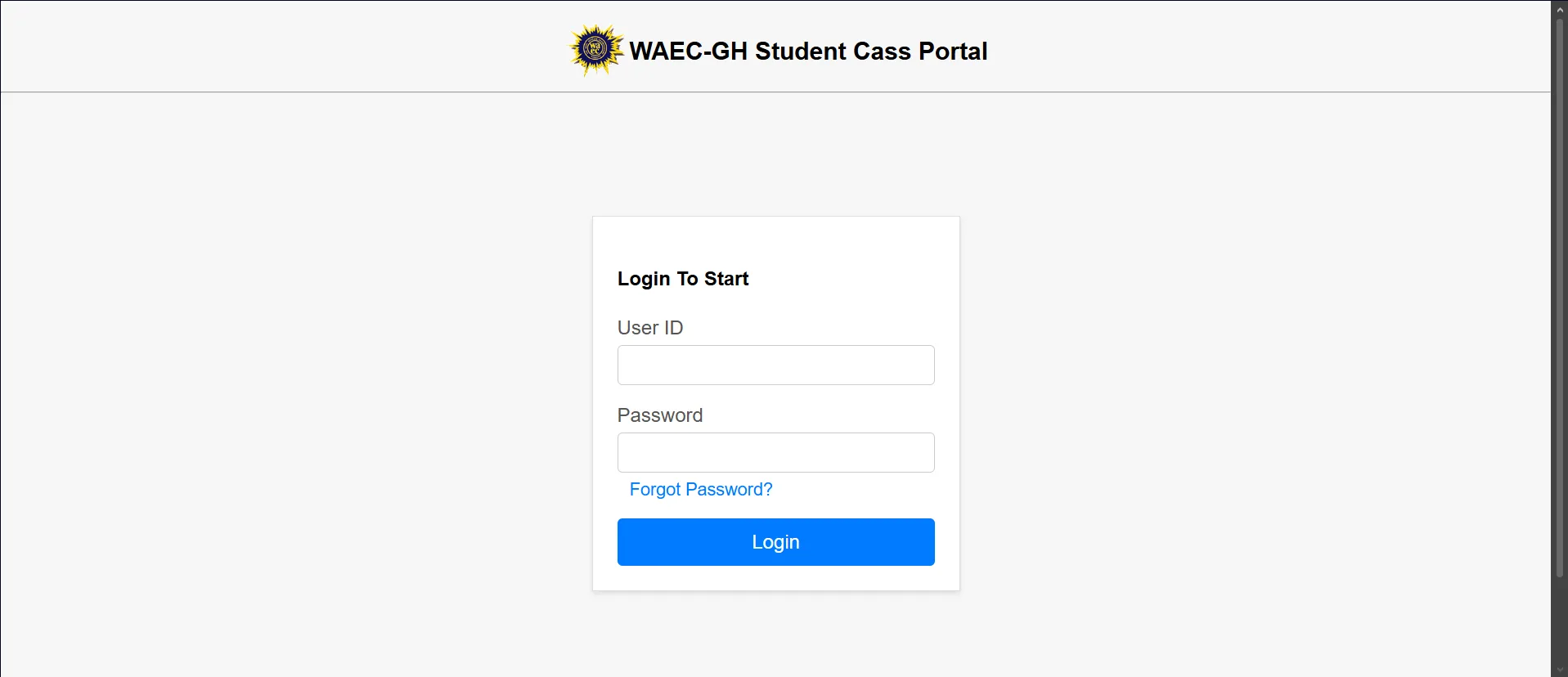
- Visit cass.waeinternetsolution.org
- Enter your JHS Index Number
- Use Your Date of Birth as Login ID and Password
- Tap on the Login Button
Step 1: Visit weacinternetsolution.org
To begin the school selection process, you’ll need to visit the official website: weacinternetsolution.org. This is where you will access the online portal for BECE private candidate school placement.
Step 2: Enter your JHS Index Number
Once you are on the website, locate the designated field where you need to input your JHS (Junior High School) Index Number. Make sure to double-check the accuracy of the number you enter to avoid any errors.
Step 3: Use Your Date of Birth as Login ID and Password
In the next fields, you will be prompted to enter your date of birth as both your login ID and password. This information serves as your unique credentials to access the portal. Ensure that you enter your date of birth accurately in the format requested.
Step 4: Tap on the Login Button
After you have provided your JHS Index Number and date of birth as login credentials, it is time to proceed. Locate the “Login” button on the website, and simply tap on it.
As a student or parent, be sure to actively participate in the verification and confirmation process to secure the best possible educational opportunities for the future. With this portal, your educational journey takes a step towards a brighter future.
Published By: Justice Donkoh | GESHub.org