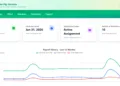

Government of Ghana employees can now easily check their Controller affordability status on the newly launched GOG Employee PayServices e-Payslip portal. The Controller and Accountant-General’s Department (CAGD) introduced the new platform, accessible via: gogepayservices.com
The portal replaces the former payslip website (gogpayslip.com) and offers enhanced payroll access, stronger security, and improved user experience — including a fully functional affordability section.
This guide explains what affordability means, why it matters, and how to check affordability on the GOG Employee PayServices portal.
What Is Affordability on the CAGD Payslip Portal?
Affordability on the Controller and Accountant-General’s Department e-Payslip system is a financial indicator used by lenders to determine whether a government employee can comfortably repay a loan alongside existing salary deductions.
In simple terms:
Affordability measures your capacity to repay a loan based on your income and current commitments.
This figure is particularly important for public sector workers applying for:
- Salary-backed loans
- Bank loans
- Car financing
- Mortgages
- Hire purchase agreements
- Emergency payroll advances
Most financial institutions in Ghana require an employee’s Controller affordability status before approving loan applications.
Affordability vs Creditworthiness: What’s the Difference?
Many employees confuse affordability with creditworthiness, but the two are different financial assessments.
Affordability
- Measures ability to repay a loan
- Based on income and salary deductions
- Calculated using payroll data
Creditworthiness
- Assesses likelihood of loan approval
- Based on credit history and public financial records
- Determines loan interest rates and approval chances
While your credit report shows repayment history, affordability focuses more on your income versus obligations.
How Is Controller Affordability Calculated?
Although CAGD does not publicly disclose its exact affordability formula, affordability generally considers:
- Gross salary
- Net salary
- Existing deductions
- Outstanding loan repayments
- Statutory contributions
For larger financial products like mortgages or vehicle loans, lenders may apply additional stress testing to ensure the borrower can manage repayments even if financial conditions change.
How To Check Affordability on GOG Employee PayServices
Checking affordability on the new CAGD e-Payslip portal is straightforward and can be completed within minutes.
Step-by-Step Guide to Check Controller Affordability
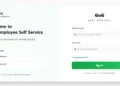
- Visit the official portal: gogepayservices.com
- Enter your Staff ID (Employee Number)
- Enter your Password
- Click Login
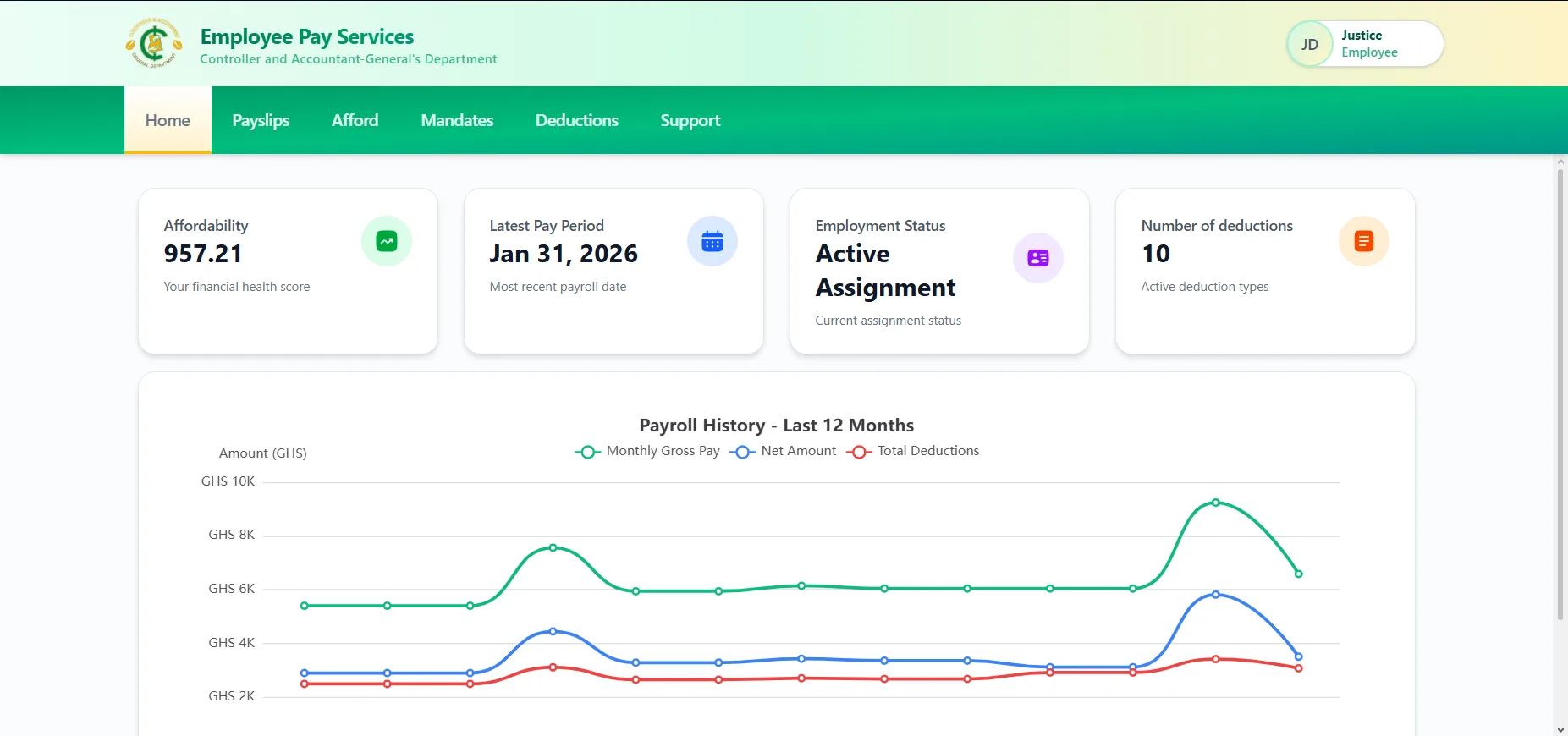
- Once logged in, locate and click the “Afford” tab
- Your affordability status and related employee details will be displayed on the screen
Employees are advised to ensure they are using the official website and not any unofficial platforms.
What If Affordability Is Not Showing?
During the early stages of the new portal migration, some users reported issues with affordability not displaying. However, this issue has now been resolved.
If affordability does not appear:
- Refresh the page
- Log out and log back in
- Confirm internet connectivity
- Contact your HR department if the issue persists
Requirements to Access Affordability
To successfully check affordability, employees must:
- Be registered on the new GOG Employee PayServices portal
- Have a valid Staff ID
- Have a working password
- Complete OTP verification during registration
Employees who have not yet registered must complete the one-time registration process before accessing the system.
Why Checking Your Affordability Is Important
Regularly checking affordability helps employees:
- Plan loan applications strategically
- Avoid loan rejections
- Monitor salary commitments
- Understand financial capacity
- Maintain responsible borrowing habits
Since lenders rely heavily on affordability figures, keeping track of this status is essential.
Overview of the New GOG Employee PayServices Portal
The new portal was launched by the Controller and Accountant-General’s Department (CAGD) as part of efforts to modernize Ghana’s public sector payroll system.
Key Features Include:
- Ghana Card verification
- One-Time Password (OTP) authentication
- Secure login system
- Online payslip generation
- PDF download and printing
- Password reset functionality
- Affordability status access
The former payslip website, gogpayslip.com, has been phased out, and all payroll services are now hosted on gogepayservices.com.
Final Thoughts
The introduction of the GOG Employee PayServices e-Payslip portal has made it easier for Government of Ghana employees to access vital payroll information, including their affordability status.
By following the simple steps outlined above, employees can quickly check their Controller affordability, which is crucial for loan applications and financial planning. Government workers are encouraged to log in today via: gogepayservices.com and verify their affordability status for accurate and up-to-date financial information.
Published By: Justice Donkoh | GESHub.org