
If you plan to apply to a College of Education in Ghana for the 2026/2027 academic year, the very first requirement is the Teacher Training admission form. Without this form, applicants cannot access the official application portal or submit their admission details.
In the past, prospective applicants had to visit a bank, stand in long queues, or travel long distances just to purchase the Teacher Training form. Fortunately, the process has become much easier.
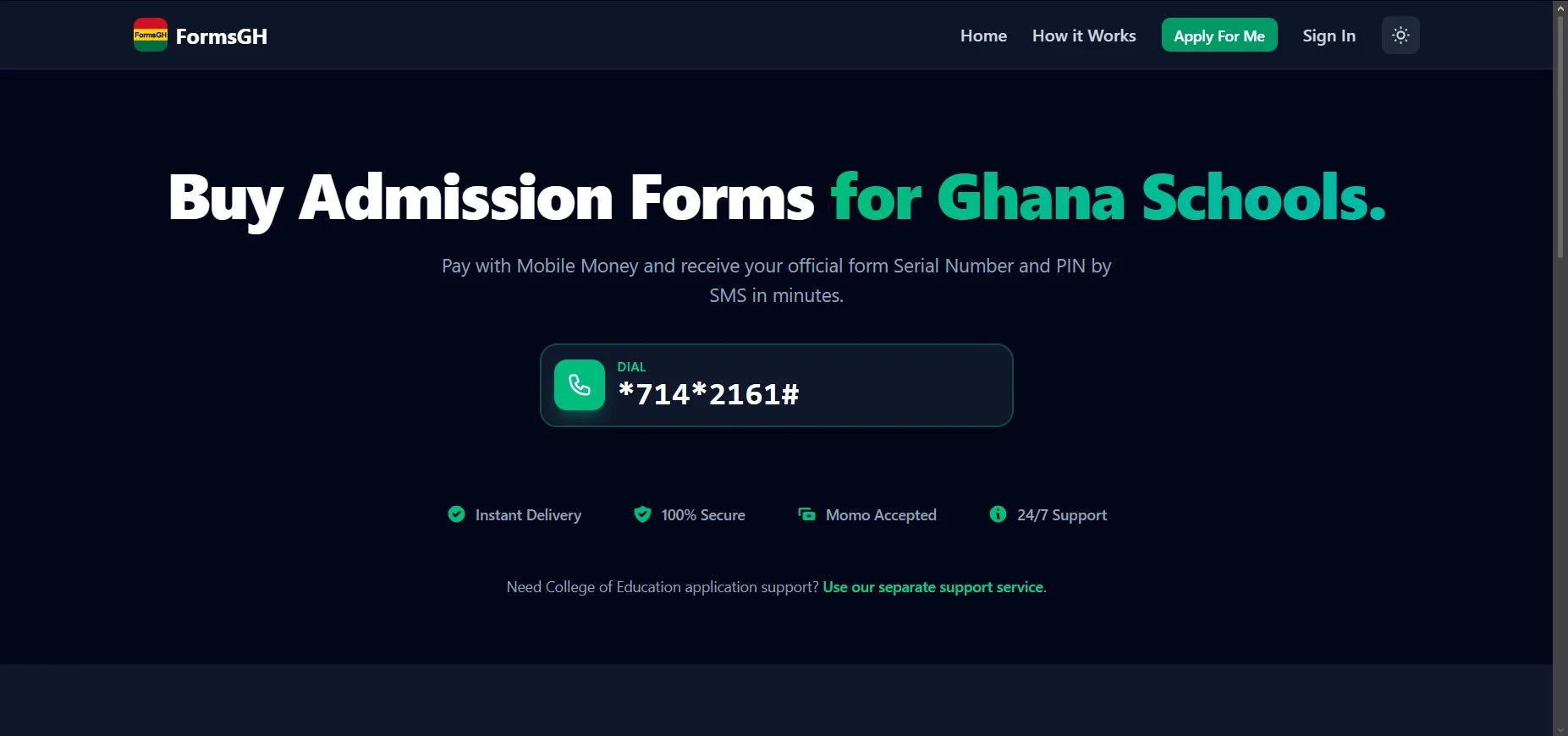
Today, applicants can buy the 2026 College of Education Teacher Training admission form directly from their phone using a simple shortcode. The entire process works through Mobile Money, requires no internet connection, and takes only a few minutes.
This guide explains how to buy the 2026 Teacher Training form in Ghana, how to complete the application, and what to do after receiving the Serial Number and PIN.
Buy the 2026 Teacher Training Form on Your Phone
Prospective applicants can now purchase the 2026 College of Education admission form by dialing a shortcode from any mobile phone in Ghana.
Shortcode to Buy the Form
- Dial: *714*2161#
This works on all major networks in Ghana including:
- MTN
- Telecel
- AirtelTigo
The service does not require internet access, making it accessible to applicants in every part of the country. Once payment is completed using Mobile Money, the applicant receives their Serial Number and PIN instantly via SMS. These details are used to log in to the College of Education admission portal and complete the application.
How to Buy the 2026 College of Education Teacher Training Form
Purchasing the Teacher Training admission form only takes three simple steps.
Step 1: Dial the Purchase Code
Applicants should dial: *714*2161# from any mobile phone. The service works on MTN, Telecel, and AirtelTigo networks.
Step 2: Select the Teacher Training Form
After dialing the code:
- Select Forms
- Choose Teacher Training
- Follow the instructions on the screen
- Make payment using Mobile Money
The system will confirm the transaction immediately.
Step 3: Receive Serial Number and PIN
After successful payment, the applicant receives an SMS containing the following details:
- Serial Number
- PIN
These credentials are required to log in to the Teacher Training admission portal. Once received, the applicant can proceed to complete the online application.
How to Apply After Buying the Teacher Training Form
After purchasing the form and receiving the Serial Number and PIN, the next step is to complete the application online.
Step 1: Visit the Application Portal
Go to the official College of Education admission portal: admission.coeportal.edu.gh and click on Portal Login.
Step 2: Log In
Enter:
- Serial Number
- PIN
These details will grant access to the application form.
Step 3: Fill in Personal Details
Applicants will need to provide important information including:
- Personal details
- Academic background
- Contact information
A passport photograph must also be uploaded.
Step 4: Select Preferred Colleges and Programmes
Applicants can choose:
- Up to three Colleges of Education
- Their preferred Bachelor of Education (B.Ed) programme
Examples include:
- B.Ed Early Childhood Education
- B.Ed Primary Education
- B.Ed Junior High School Education
Choosing the right programme is an important part of the application process.
Step 5: Submit and Print Application
After completing the form:
- Submit the application online
- Print the completed application form
- Send the printed copy via EMS to the first-choice College of Education
This step finalizes the application process.
Get Help Filling the Teacher Training Form
Some applicants may find parts of the application process confusing. Assistance is available to help ensure the form is filled correctly and submitted successfully. After purchasing the form, applicants can contact support via WhatsApp: +233 24 501 9937. The support team provides step-by-step guidance through the entire process—from filling the form to submitting it properly.
Frequently Asked Questions About the 2026 Teacher Training Form
Do I need internet to buy the form?
No. Applicants only need to dial the shortcode *714*2161# from any phone. Internet access is not required.
How quickly will I receive my Serial Number and PIN?
The Serial Number and PIN are delivered instantly via SMS immediately after payment.
Can I apply to more than one College of Education?
Yes. One Teacher Training admission form allows applicants to select up to three Colleges of Education.
Who can help if I have difficulty filling the form?
Applicants can get help through WhatsApp at +233 24 501 9937, where support is provided throughout the application process.
Buy Your 2026 Teacher Training Form Now
The easiest way to purchase the 2026 College of Education Teacher Training admission form is through your phone. Simply follow this process:
- Dial → *714*2161#
- Select → Forms
- Select → Teacher Training
- Pay with Mobile Money
- Receive PIN by SMS
Once the PIN is received, the applicant can immediately start the College of Education admission application.
Final Thoughts
The process of buying the 2026 Teacher Training admission form in Ghana has become faster and more convenient. Applicants no longer need to visit a bank or travel long distances. Everything can be completed directly from a mobile phone.
By dialing *714*2161#, applicants can buy their form instantly, receive their Serial Number and PIN by SMS, and proceed to complete the online application. For more admission forms, application guides, and updates on Ghana education admissions, visit: formsgh.com
Published By: Justice Donkoh | GESHub.org